The Airbnb of AI computing.
Airbnb doesn’t own the homes. Grab doesn’t own the cars. HyperCluster is that kind of platform for AI computing and storage: we match people who need it with members who have machines to share. When someone trains their AI on your graphics card, your card earns. We add 20 % on top to run the platform, so more than 80 % of what each AI job costs goes to the member whose card did the work.
9 machines online now in 6 cities · Every day’s work is recorded on our own blockchain, a shared record many computers keep together that nobody can quietly change.
A platform, run for its members
We match, members provide
People who need AI training or storage come to HyperCluster. Members’ PCs and Quipu machines do the work, and we run the platform in between.
How it works20 % on top, nothing hidden
Each graphics card has its own payout rate, and members pay 20 % more: that is what runs HyperCluster. So the card’s owner gets more than 80 % of every AI job.
See the payout ratesBe early
The network is young, so every machine that joins now counts. Be one of the first on the map.
See the networkHelp the network, earn HYPEC
There are three ways to take part. Each one pays HYPEC to your Passport wallet (Passport is your one free HyperCluster account). Pick the one that suits you, or do all three. You only need a free Passport.

Share your PC
Lend some of your graphics card, AI chip or spare disk. Your PC earns HYPEC for the work it really does: training members’ AI and keeping files.
How sharing works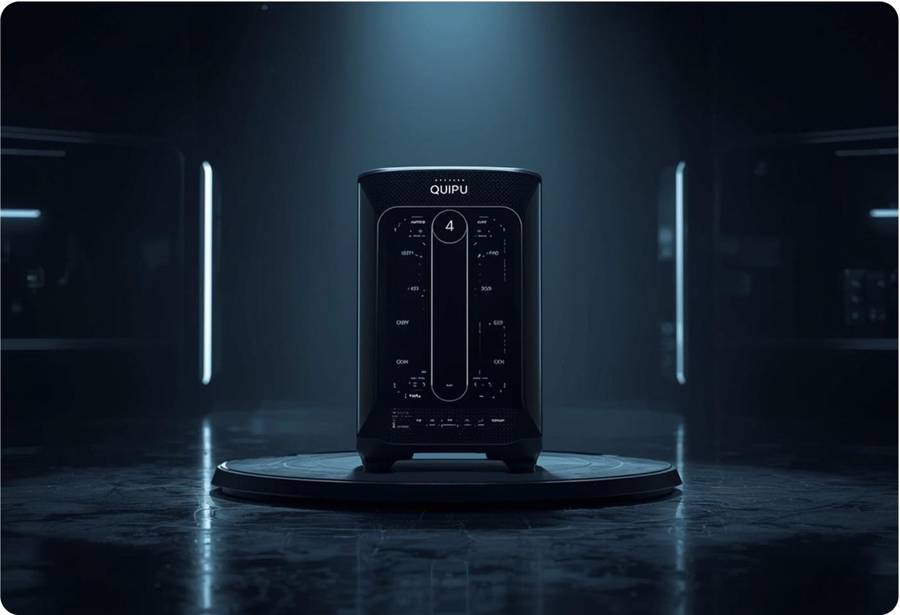
Run a Quipu machine
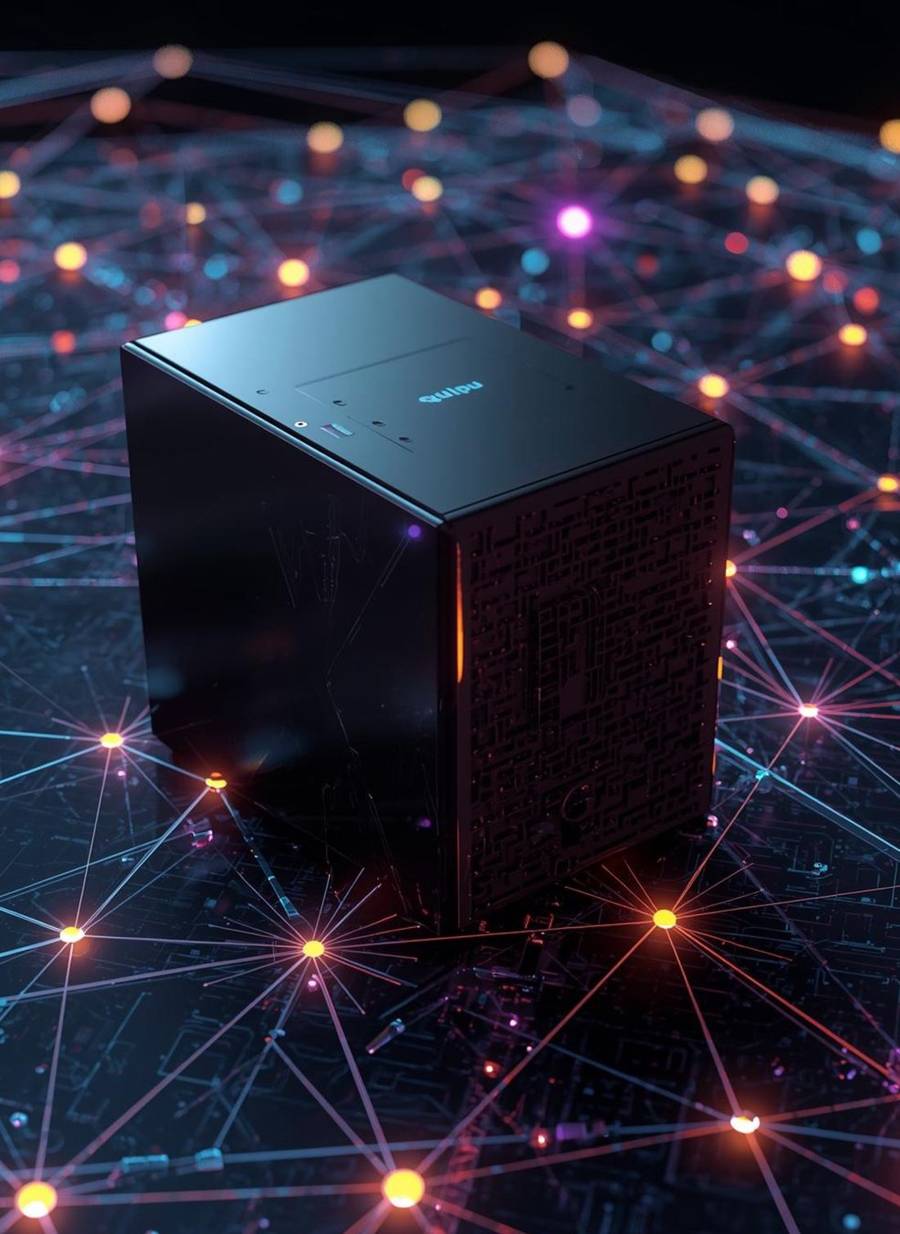
A small computer for your home, shipped to you ready to work. It keeps encrypted copies of the network’s files and earns HYPEC for the storage it proves.
See the machines
Bring your friends
When friends you invite buy something on HyperCluster, you get a share in HYPEC.
10 % from your friends, 5 % from their friends, 2.5 % one step further.
How inviting worksHow it works, in four steps
- 1
Join free
Create your Passport, your one free account. You get your HyperCluster ID, the short code that is you on the network (also your invite code), and a HYPEC wallet.
- 2
Share a machine
Install our software on your PC, or plug in a Quipu machine. You choose how much to share.
- 3
The network puts it to work
Your machine stores files for HyperCloud and trains members’ AI. Each day, the work that passes our checks is recorded on our blockchain and earns HYPEC.
- 4
Use the network
Spend HYPEC to keep files on HyperCloud, or to train your own AI and call it from any app or AI agent.
One network, five ways in
Train your own AI, then use it anywhere.
A member’s graphics card trains it, paid by the second. Priced per graphics card, from $0.068 an hour (6.8 HYPEC). Call it from your app with an API key, or from AI agents like Claude Code and Cursor.
Your files, kept by the community.
Encrypted, then stored on HyperCluster’s own IPFS network (IPFS is a way of storing files across many computers): Quipu machines, members’ PCs and our main server. 1 GB free.
A small machine at home that works for the network.
Plug in power and internet. It sets itself up, stores files and earns HYPEC for the work it proves.
New to crypto? Start here, free.
Short courses in plain words, with a certificate anyone can check.
One coin that connects it all.
Earn it for work, spend it on storage and AI, lock some to pay less.
How HYPEC goes round
Members who share machines earn HYPEC. Members who store files or train AI spend it. Every step is on our blockchain, so anyone can follow it. You can also add HYPEC by sending USDT on BNB Smart Chain or TRON.
Earn it, or add it
Earn it for the checked work your machine does. Or send USDT from any crypto wallet or exchange, on BNB Smart Chain or TRON.
HYPEC in your Passport
$10 of USDT gets you 1,000 HYPEC at today’s price of $0.01. The price can change.
Spend it
Storage, AI, sealed documents and Quipu machines. Lock HYPEC and pay less.
HYPEC’s price is set by HyperCluster, today 1 HYPEC = $0.01. We don’t exchange it for money, and it isn’t an investment. The Terms explain it.
Watch the network grow
9 machines online now in 6 cities, counting HyperCluster’s own servers (the squares), sharing storage, AI chips and graphics cards. Each circle is a city. We never show an address or an owner’s name.

To keep owners private, each machine is shown only at the city of the Cloudflare data centre it connects through (usually the nearest one), never at its address and never with its owner’s name. HyperCluster’s own servers are shown where they are: the main server in Singapore, and our blockchain nodes. Counted at 00:32 UTC, again every minute.
Don’t trust us. Check.
Questions people ask
What is HyperCluster, in one sentence?
A community that builds its own cloud: members connect their PCs and Quipu machines into one network that keeps files safe and trains AI, and earn HYPEC for the checked work their machines do.
Do I need to know crypto?
No. Sign up for a free Passport with your email, and Passport makes a HYPEC wallet for you. To buy something, you add HYPEC by sending USDT from a crypto wallet or exchange. New to all this? HyperAcademy’s free courses explain it in plain words.
What can my PC share, and is it safe?
Part of its graphics card, AI chip and spare disk: you choose how much, and can pause or stop at any time. Members’ AI jobs need an NVIDIA RTX 3060 or newer with at least 8 GB of memory (laptop cards too). Training jobs and model runs run inside containers, separated from the rest of your PC, and the files it keeps for the network are encrypted, so you can’t read them. A training job runs software another member chose, and can use your internet connection. How sharing works
How much can I earn?
It depends on the real work your machine does, at the rates HyperCluster sets for each kind of work, and it isn’t guaranteed. You earn only for work that passes our checks, being switched on earns nothing, and rates can change. See sharing your PC and invite rewards.
What is HYPEC, and can I sell it?
HYPEC is HyperCluster’s own coin: you pay for everything here with it, and what members earn is paid in it. Its price is set by HyperCluster, not by a market. We don’t buy it back or exchange it for money or other crypto, and it isn’t an investment: don’t buy it expecting a profit. The Terms explain it.
How do I call my trained model from my app or AI agent?
In HyperAI, make an API key under Use it in your app. Your app then calls the HyperAI API (ai.hypercluster.org/v1, described at /v1/openapi.json), and AI agents such as Claude Code and Cursor can use your models through HyperAI’s MCP server (ai.hypercluster.org/mcp). Each run is paid by the second from your HyperAI credit. For developers
Where are my HyperCloud files kept, and who can read them?
Your HyperCloud files are encrypted (AES-256-GCM) and kept on HyperCluster’s own IPFS network: our main server in Singapore, which keeps a copy of every file, and members’ machines, which keep encrypted copies they can’t read. It isn’t end-to-end encryption: HyperCloud’s servers hold the keys, and open your files to give them to you and to the people you share them with. File and folder names are not encrypted.
Share your machine. Earn from the AI boom.
Joining is free. Create your Passport in a minute, share a machine when you’re ready, learn at your own pace, and build when you have an idea. By the people, for the people.